

Which app should you choose for your car's maintenance log?
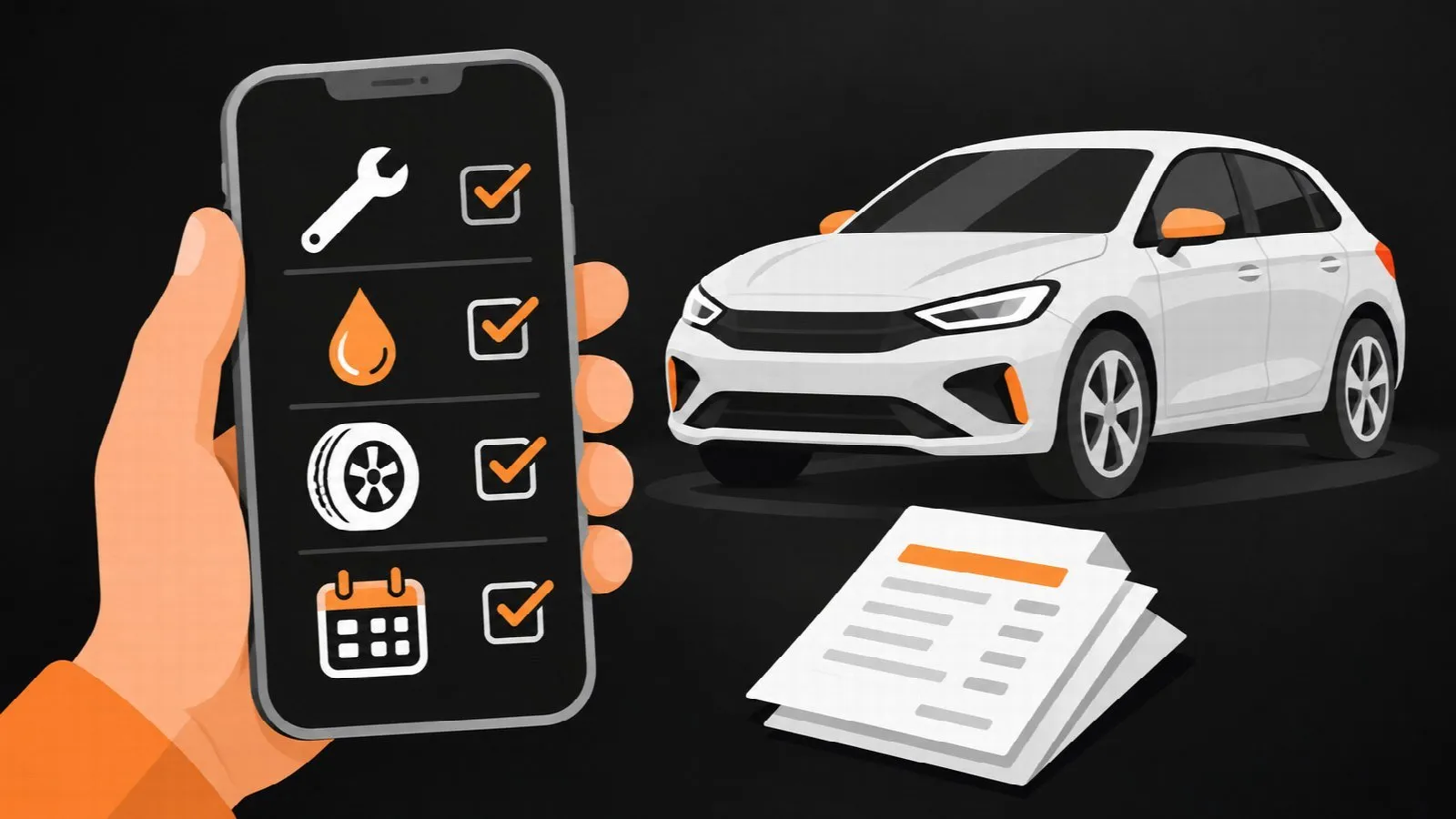
A good maintenance log app reminds you before each service is due, by date as well as by mileage, and keeps each invoice with the job it proves. Here are the seven points to check before trusting it with your car.
Contents 5 sections
A good maintenance log app does three things: it reminds you before each service is due, it keeps proof of every job, and it gives you a clean history on the day you sell the car. Everything else is a bonus. Here are the seven points to check before you choose.
Why keep your maintenance log on your phone
The paper service book that comes with the car gets lost or half filled in, and the invoices end up in a shoebox. As a result, nobody remembers when the last oil change was, and the buyer of a used car has to take the seller's word for it.
An app keeps everything in one place, on the phone you always have with you. It does not replace your mechanic: it remembers what they did, so you do not have to.
The seven criteria for choosing
1. Reminders by date and by mileage
A service is usually due "every X kilometres or every X months, whichever comes first". An app that only knows dates will remind you too late if you drive a lot. Check that it handles both, and that it reminds you before the due date, not on the day itself.
2. The invoice kept with each job
Writing "oil change, 142,000 km" is not enough: the invoice is what proves the work was done. Choose an app that stores the invoice, as a photo or a PDF, with the job it relates to. Even better if it can read the invoice, so you do not have to type everything in.
3. A log you can download as a PDF
When you sell, the buyer wants a document, not access to your phone. The app should be able to put the whole history into a single dated file, with the invoices.
4. Several vehicles, and several people
If the family has two cars and a motorbike, they should all fit in the same account. And if someone else drives the car, they should be able to view the log, or even add to it, without you giving them your password.
5. The roadworthiness test and other deadlines
Servicing is not the only date to remember. A useful app also reminds you about the roadworthiness test and the end of your insurance contract, and lets you create your own reminders.
6. On your phone and on your computer
You record a job at the garage, on your phone, and you read through the history at your leisure, on your computer. Check that the app works on both, with the same account.
7. Your data: where it is, and what is done with it
Your invoices say where you live and what you spend. Look at where the app hosts your data, whether it shows advertising, and whether you can export or delete your data yourself.
What IMANOTIF does, criterion by criterion
IMANOTIF is a French maintenance tracking app. Here is how it meets the seven criteria:
Reminders: you enter when the next service is due, by date or by mileage, and IMANOTIF reminds you 30 days or 1,000 km before.
Invoices: each job keeps its documents. Take a photo of the invoice: IMANOTIF fills in the fields it could read, and you check them before saving.
PDF: in one click, a single dated file brings together the jobs, the invoices and the roadworthiness tests.
Several vehicles: car, motorbike, van or camper van, in the same account. You share a vehicle with someone close to you, with read or write access, and you remove their access whenever you like.
Other deadlines: a roadworthiness test reminder 60 days before, 30 days before and on the due date, a reminder before your insurance contract ends, and your own personal reminders.
Devices: on computer, iPhone and Android, with a single account.
Data: website and data hosted in France, no advertising. You export or delete your data yourself, from your account.
When you sell the car, the buyer adds it to their account with its plate and, with your agreement, gets the whole history. The details are on the online car maintenance log page.
Get started in four steps
-
Add your vehicle
Type its registration plate: if it is a French plate, IMANOTIF finds the make and model.
-
Catch up on the history
Record the latest jobs you have an invoice for, with their date and mileage. The older ones can wait.
-
Enter the next due date
Service, oil change, tyres: by date or by mileage. IMANOTIF reminds you beforehand.
-
Download the log when you need it
For a sale, or for a new garage: the whole history as a PDF, in one click.
Frequently asked questions
Is a maintenance log kept in an app worth anything when you sell?
Yes, if each job has its invoice. The buyer sees the work, the dates and how the mileage has progressed, and can check that they are consistent. With IMANOTIF, you hand everything over in a single PDF, or the buyer gets the history in their own account, with your agreement.
Do I have to enter all my old invoices?
No. Start with the latest major jobs (service, timing belt, brakes, tyres): those are the ones a buyer or a mechanic will look at. With IMANOTIF, a photo of the invoice is enough to fill in the fields it could read.
Is IMANOTIF free?
Yes, for up to 2 vehicles, with no time limit and no credit card. Beyond that, two paid plans let you track up to 6 or 20 vehicles.
What happens to the log if I change phones?
Nothing is lost. The log is saved in your account, not on the phone: you find it again by signing in on the new phone, or on a computer.
The app
Your whole vehicle in one app
Maintenance log, roadworthiness tests, vehicle papers, digital accident report: all your vehicles' information in one place.


Was this article helpful?
Share it with friends and family who drive.